Below you find a video and written guide on how to attach documents
In Konsolidator it is possible to attach files (for example PDF, Word, and Excel) in journals in relation to audits or other purposes.
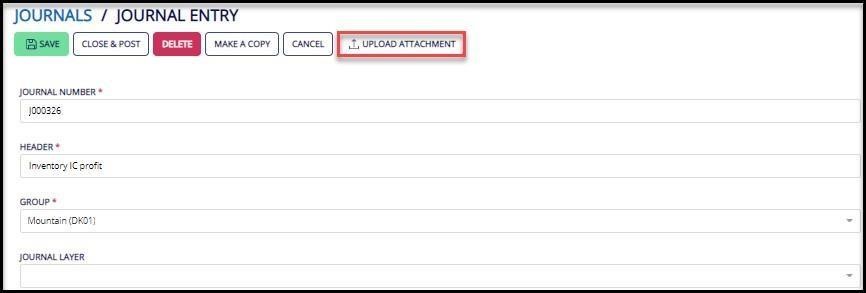
When standing in the relevant journal click on “Upload attachment”.
Now it is possible in the dialog box to upload files either by using the select button or by using the drag/drop function.
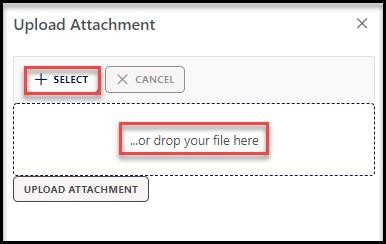
After uploading the relevant documents click on the “Upload attachment” button.
On the right side of the journal overview, an attachment icon indicates on which journals there are uploaded attachments.