
This guide helps you get started with the intercompany module by explaining how to review balances, focus on differences, and use views and filters effectively. It also covers what to prepare before you begin and how to update your overview.
Before you start
Before you use the Intercompany module, make sure Intercompany is included in your subscription tier (Management or Enterprise) and that your intercompany data is available in Konsolidator.
Re-watch webinar: Introduction of the new module
Below you can also see the webinar recording, which gives you an introduction to the module and the new overview.
Step-by-step: Update your overview
- Open the Intercompany module.
- Click Calculate & Post to update the overview with the latest data.
- Choose either list view or tree view, depending on how you prefer to review your data.
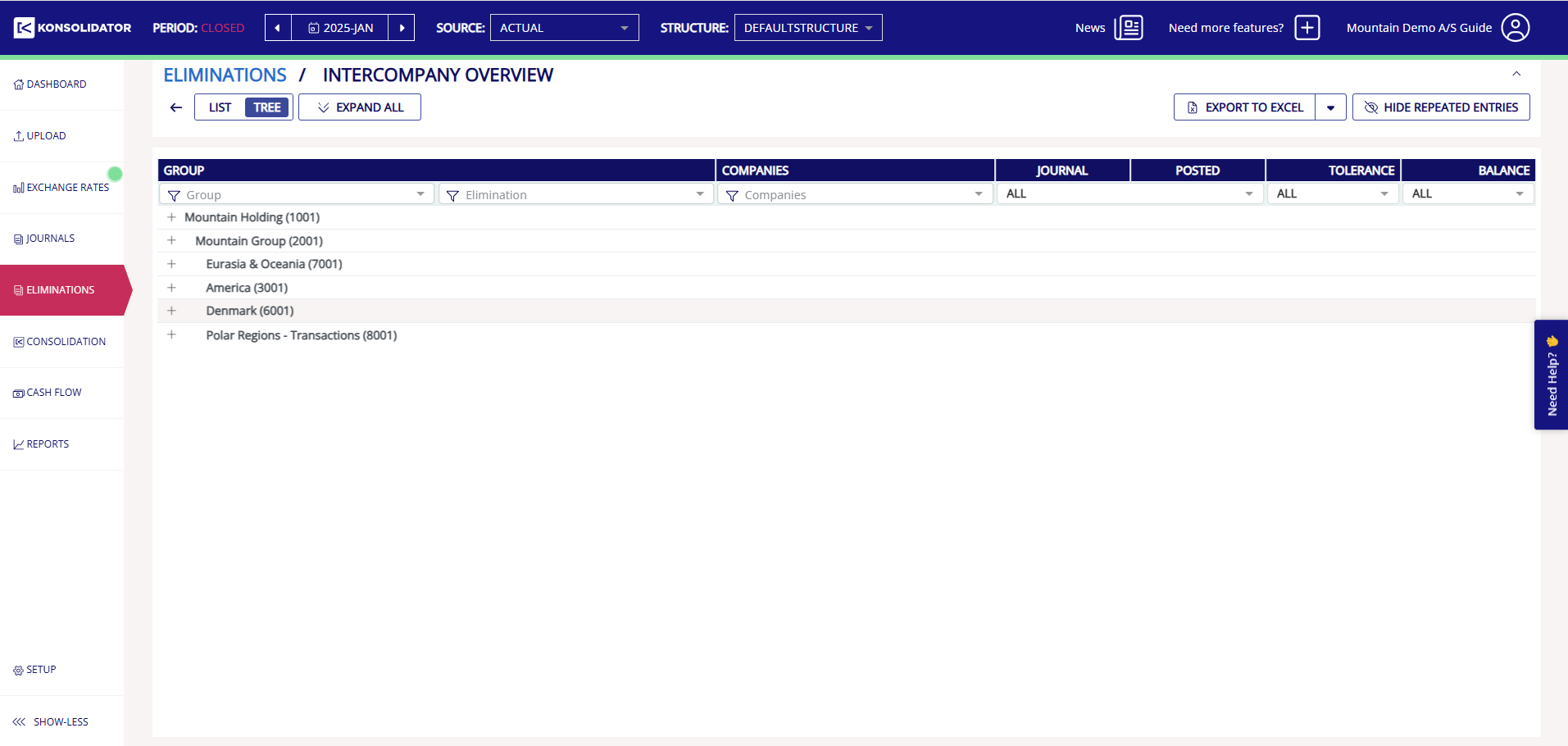
What do the views and structure help you do
The module displays intercompany data for each counterparty combination so that you can review each relationship separately. This helps you see where differences sit and work at the right level in your group structure. The tree view follows your group structure, making it easier to navigate larger groups.
- Review each company relationship individually
- See differences directly for each combination
- Apply tolerances at the same level you are reviewing
Step-by-step: Use filters to focus your review
- Open the filter options in the Intercompany overview.
- Select the criteria you want to use to narrow your view.
- Review the filtered results and focus on the combinations you want to work with.
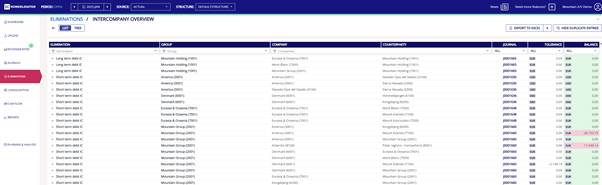
You can filter by:
- Elimination types
- Group
- Company / Counterparty
- Journal
- Tolerance (Applied / Not applied)
- Balance status (Balanced / Not balanced)
Using filters helps you reduce the view to the combinations that need review so that you can focus faster on the entries most relevant to you.
What to know about tolerance values
The tolerance calculation logic has been updated. Tolerance is now applied to each counterparty pairing instead of only to the elimination journal balance. As a result, some values in the overview may look different from what you saw previously. This doesn't affect your reported figures.
What repeated entries mean
The Intercompany module follows a bottom-up logic. This means journals are first handled at the lowest relevant level in the group structure and, if needed, move upward until they are addressed at the appropriate level. As a result, the same combination can appear at more than one level.
This helps you choose whether you want to work at a lower level for more detail or at a higher level for a faster overview.
Step-by-step: Hide repeated entries
- Open the filter options in the Intercompany overview.
- Use the Hide repeated entries filter.
- Focus on the entry shown at the level where you want to work.
This can make the overview easier to work with, especially in larger group structures.
Step-by-step: Export data to Excel
- Choose whether you want to export the full report or your filtered view.
- Export the data to Excel.
- Open the exported file and use the Overview and Details sheets, depending on what you want to review.
The export reflects the filters you applied in the module. Use the Details sheet to see which accounts do not match.