
This guide is for you who want to set up the integration between QuickBooks and Konsolidator. It will guide you through the simple integration and make you ready to synchronize your companies and their balances.
BEFORE YOU START:
- Check your user status: Only Standard or Administrator users can set up the integration.
- Check account numbers of accounts in QuicBooks.
- Log-in to QuickBooks.
- Log-in to Konsolidator.
Watch the video guide or follow the steps below:
Step 1: Find the Exact integration in Konsolidator
Go to the integrations page. You can find this under the “SETUP” and then select “INTEGRATIONS” or click here: Konsolidator app - Integration
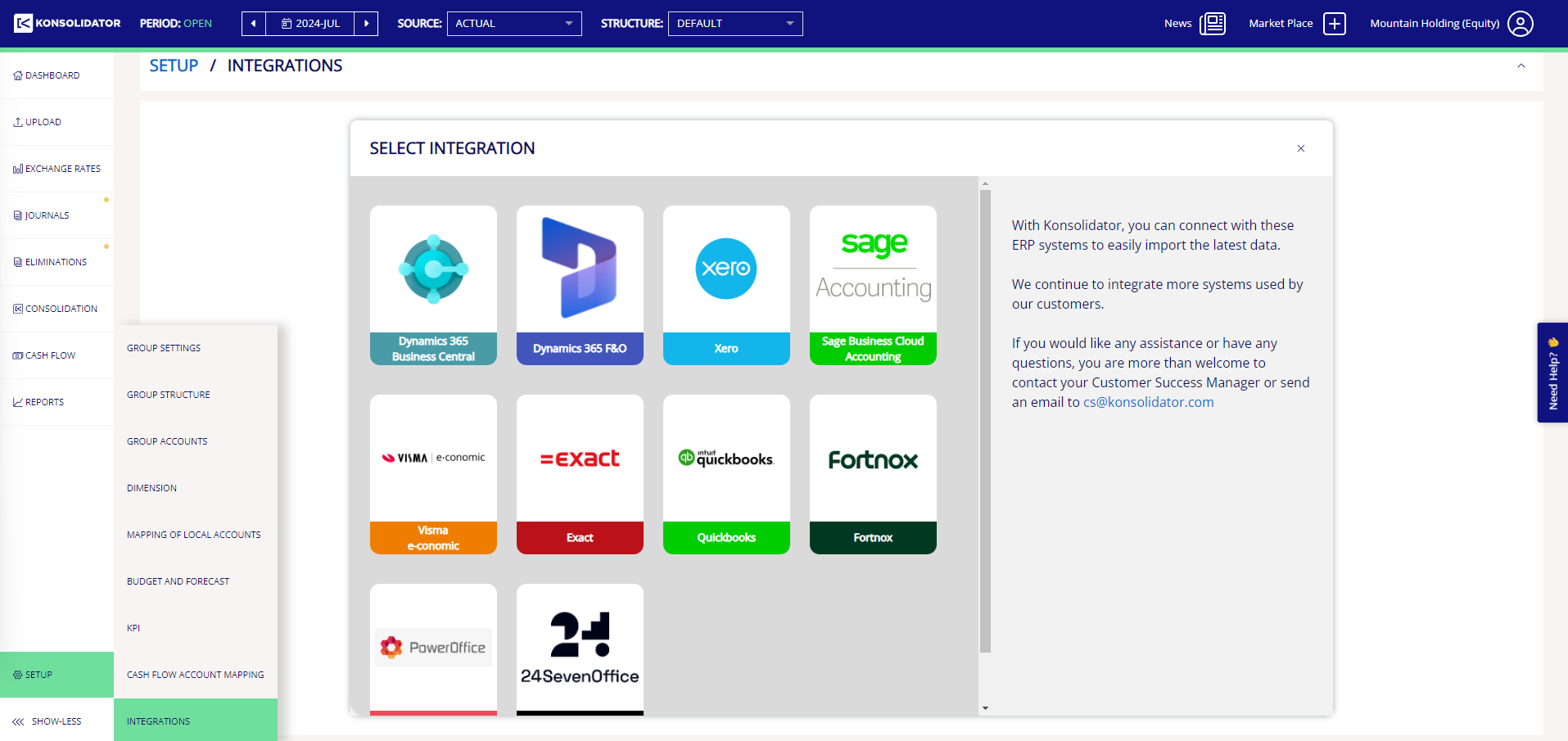
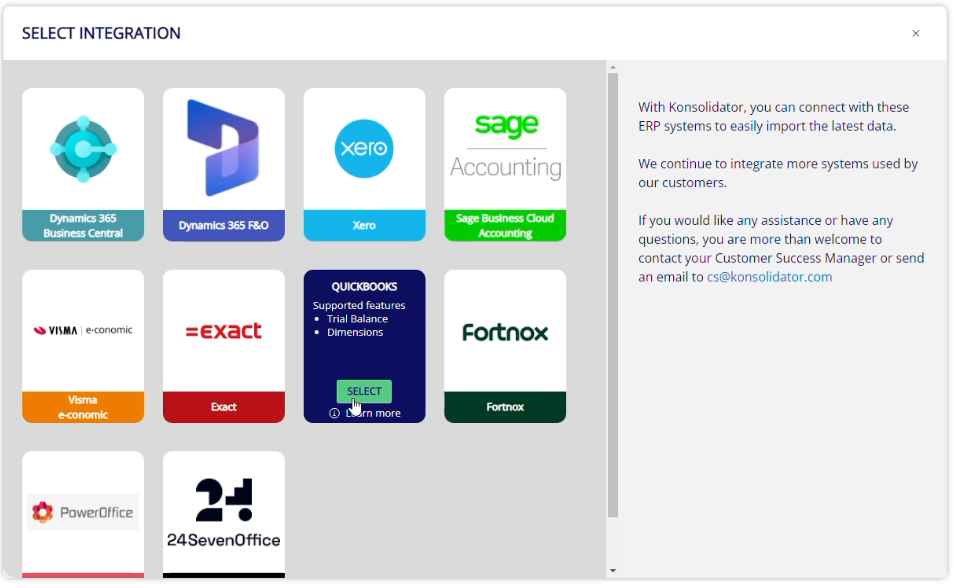
On the integrations page, mouse over the QuickBooks box and click on the green "SELECT"-button:
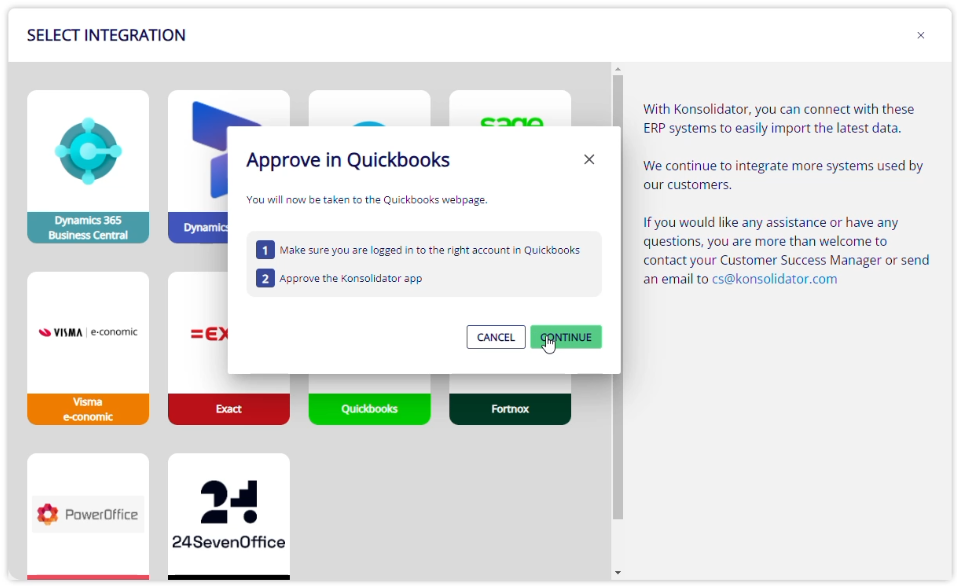
You will now be presented with a pop-up window reminding you to make sure that you are logged in to the correct QuickBooks account. When ready, click "CONTINUE":
If you are not already logged into QuickBooks, the following window pops up, which will guide you to your QuickBooks log-in page: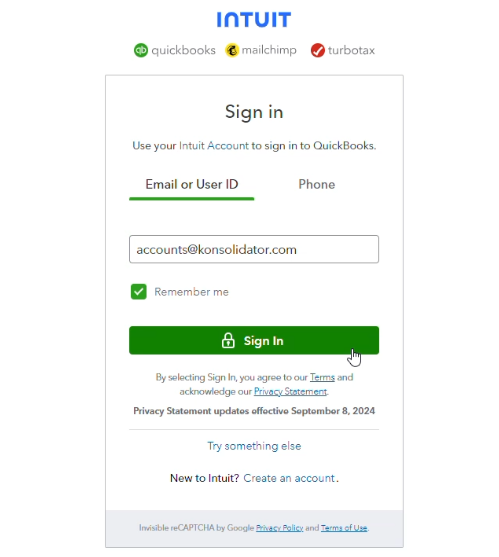
Step 2: Approve and add the QuickBooks app
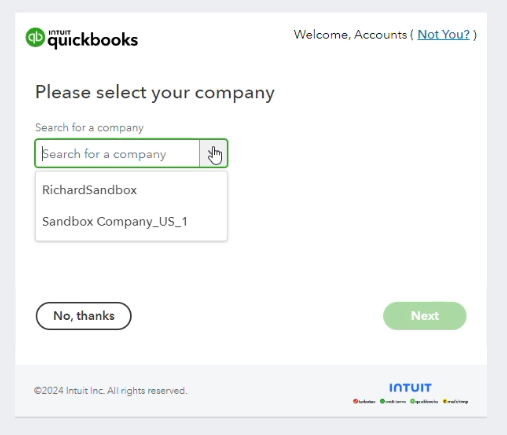
Once logged in, QuickBooks will ask you to select your company to use for integration. Select from the dropdown:
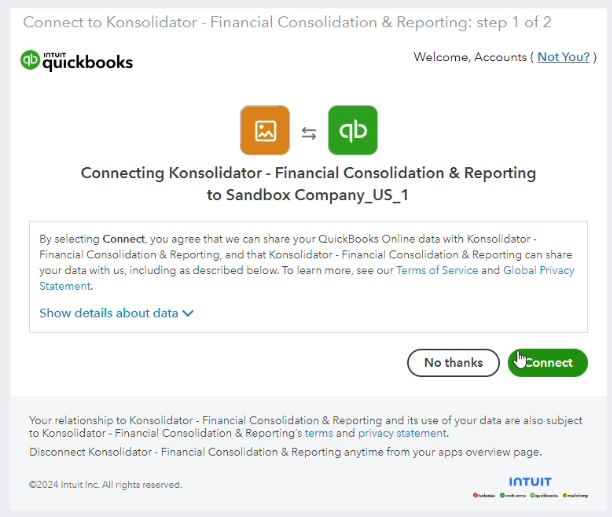
Now you will be asked to agree to and complete the connection:
You will then be re-directed back to Konsolidator, where you should be able to see the integration.
Step 3: Configure setup
Assign the integration to the correct company in Konsolidator, by selecting it from the dropdown menu.
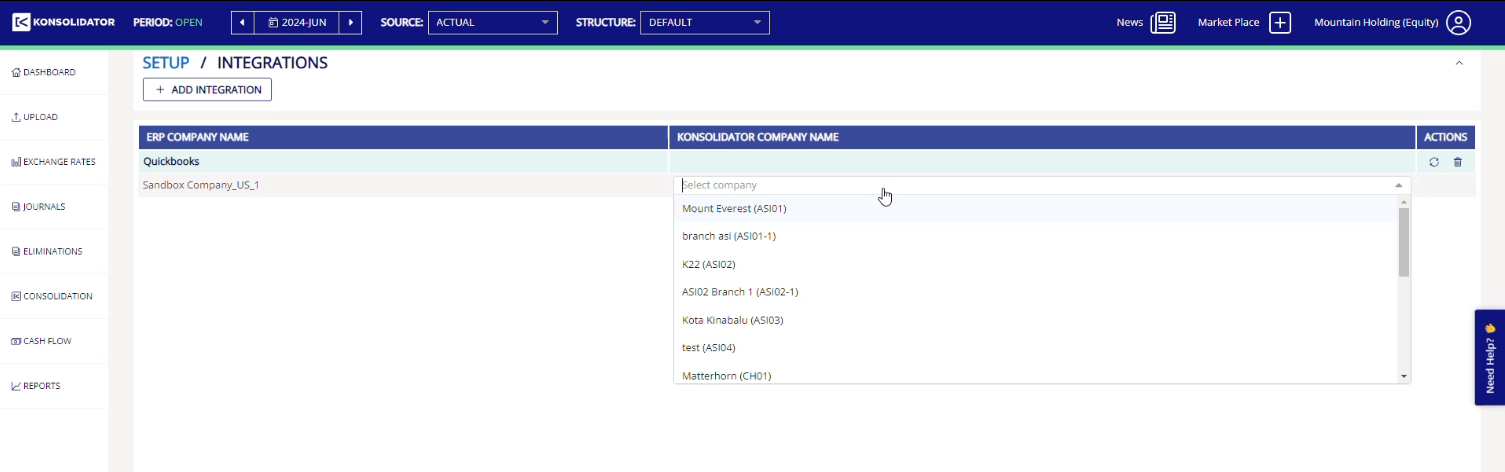
You are now done with the integration, and you should see a green pop-up:

REPEAT THE PROCESS FOR EVERY COMPANY
Be aware that you should repeat the above steps for each company you have in QuickBooks that you need to integrate with.
When adding the second company you need to use the button "ADD INTEGRATION".
Need Assistance?
Contact support for any questions regarding the integration between QuickBooks and Konsolidator at support@konsolidator.com