
Below you find a guide on how to use journal layers.
Using journal layers in Konsolidator allows you to report on different levels. For example, it can be used for adjustments between local GAAP and group GAAP.
A journal layer can for example also be used if your management wants to reevaluate the effect of potential divestments of entities. Then reported numbers can be split to see the result for the current group and the future expected group. A lot of customers also use the journal layer on IFRS adjustments.
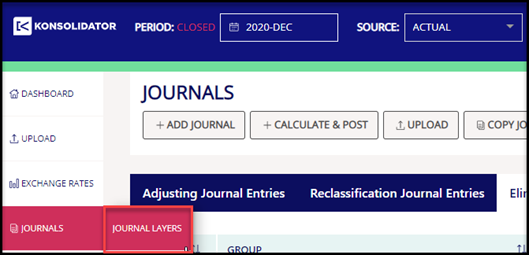
You find journal layers under the button "Journals".
In journal layers, it is possible to have as many layers as needed. If this example, we are using a layer named IFRS since we want to identify the IFRS effect on the reported numbers.

Later when building your management reporting in Excel or PowerBi it is possible to separate consolidated numbers using the created layers.