
Below you find a written introduction for each type of journal.
Adjusting journal entries
Adjusting journal entries is used to adjust profit/loss and the balance sheet. Therefore, this journal type is used for adjustments that generate a result effect. Adjustments must be booked through the result distribution accounts. An example is adjustments in relation to purchase price allocations (PPA). We always recommend that PPA’s are made on the purchased entity in local currencies, so that the correct exchange rate effect is calculated on group level.
Reclassification journal entries
Reclassifications are used for adjustments within profit/loss or on the balance sheets – but never between profit/loss and balance sheet. Reclassifications should never have a result effect. Reclassifications can be used both on entity and group level.
Elimination journal entries
Eliminations are used for any adjustments on group level. Here an option could be to use journal layers. Journals layers are described below. If the journal is creating a result effect, this journal type also needs to be booked through the result distribution accounts.
Adjustment types (System and manual)
In Konsolidator we are working with two types of journals, system and manual. Below we will describe these two types one by one.
System journals related to the consolidation method
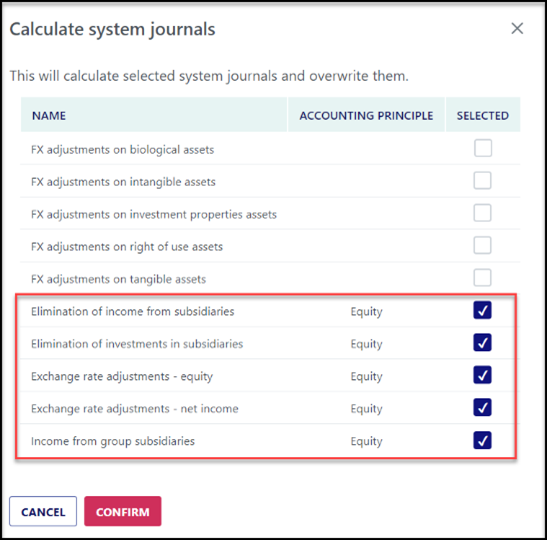
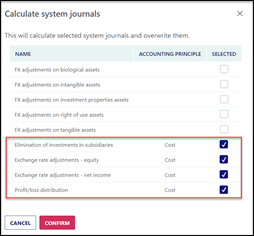
System journals are calculated by the system based on selected consolidation methods (Cost, equity, or bought). If using the equity method, the system journals consist of five journals, and if using the cost method, the system journals consist of four journals.
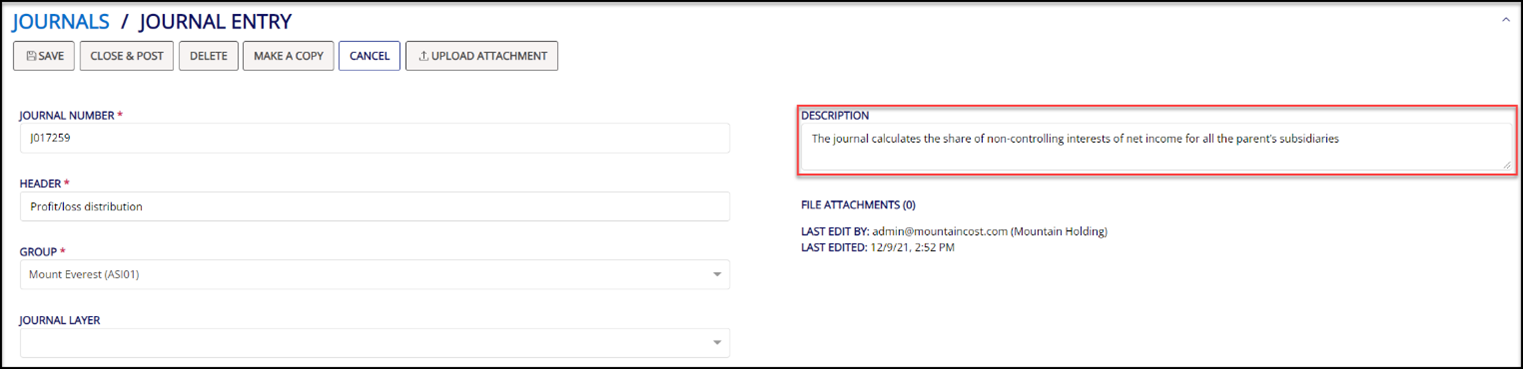
Shared for these system journals is that the description box contains information on the selected journal.
Manual journals
In Konsolidator we have two types of manual adjustments. The first type is manually created journals either directly in the application or using the journal template - see separate description below.
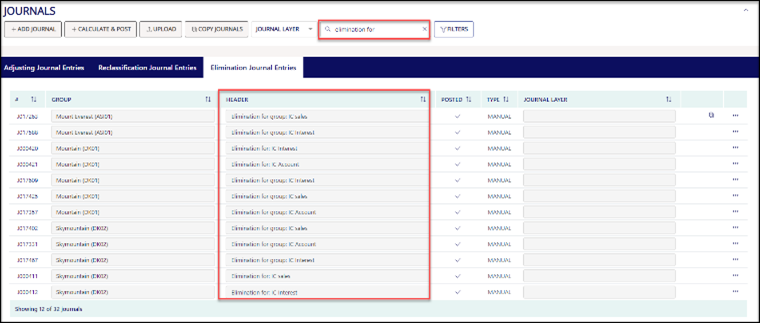
The other one is where you, as part of eliminations, manually create the elimination types and select which group accounts you want to eliminate against each other. You can always identify the manual journals generated by the system since these always start with “Elimination for..”.
Create own journals
Of course, it is also possible to create your journals in Konsolidator. After selecting the type of journal you want to create, click on "+Add Journal."
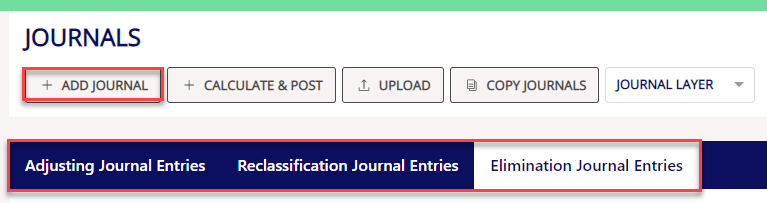
Hereafter you choose the relevant group accounts and click on close and post. Then the journal is created and posted and will therefore be part of the consolidation.