
In Konsolidator a period is automatically closed when consolidation has been created for the period. The status of the period is indicated with either green or red text in relation to the period.

If you are an administrator, it is possible to reopen the period by clicking on “Closed”.
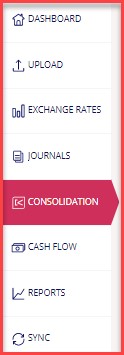
Under the menu point “Consolidation” it is also possible to remove the tick mark in “Closed” and the period will be reopened.
Please be aware:
If you correct historical data, you must open and consolidate all periods between the month you have corrected and the current period. Otherwise, your consolidation may be incomplete. You also must go through your journals for each period to control that the journals are correct before you consolidate the given period.
Please reconsider the need for changing historical data. We at Konsolidator do not recommend that you reopen historical periods that have been reported earlier